

Safety and security

How can we protect our website and our online data? Useful guides on WordPress security, phishing, spotting fraudulent emails and preventing the most common online threats.

ITbit WordPress security system – continuous website monitoring, automatic updates, backups and protection, illustrated by a digital shield.

WordPress security – ITbit

ITbit WordPress Security – a WordPress website can still be at risk even when everything appears to be working perfectly. Out-of-date plugins, security vulnerabilities, malware or unauthorised access attempts can jeopardise its operation. Your website is up and running. But is it secure? Cyber-attacks do not discriminate based on the size of a business, nor do they wait for the next maintenance window. This is where we can help
WordPress security – ITbit Read More »

How do you read an email header? Here’s how to spot scammers

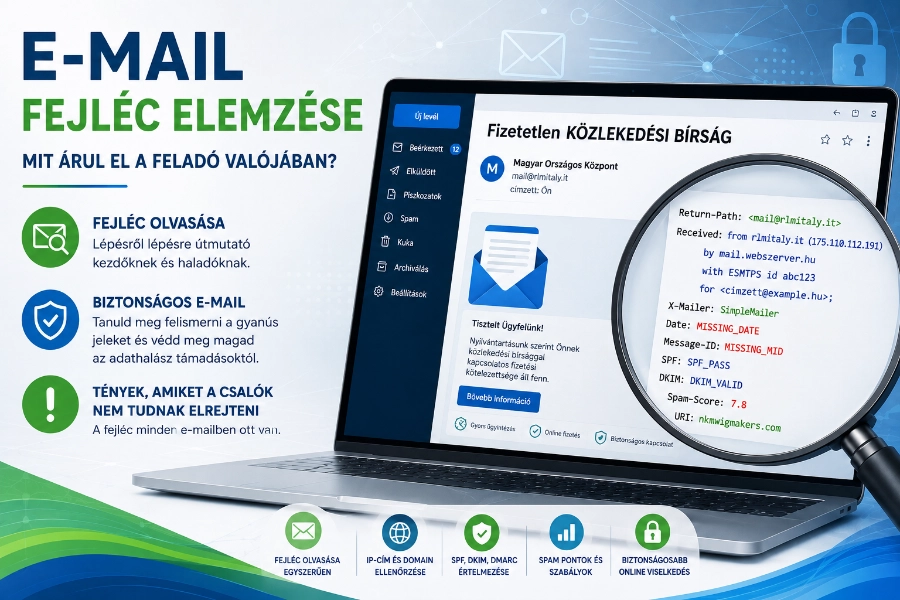
Analysing email subject lines – what does the sender really reveal?

  In the previous article, we looked at how to spot suspicious emails at a glance. In this article, we’ll focus on analysing the email header: we’ll show you how to open it and which details can help you spot suspicious emails. We’ll show you how to open them, which details are worth checking, and what they might reveal about the sender’s true identity. You don’t need to

Analysing email subject lines – what does the sender really reveal? Read More »

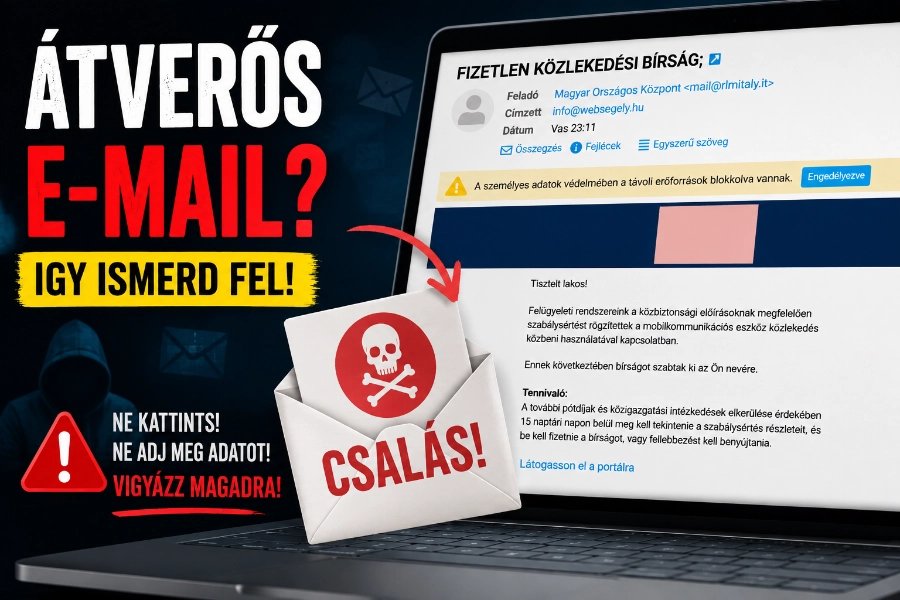
Spotting scam emails – how to spot fraudulent messages

Unfortunately, scam emails can end up in almost anyone’s inbox. Although email systems are becoming increasingly effective at filtering out phishing messages, a huge number of scam emails still make their way into our inboxes. We recently received such a message ourselves, so we decided to show you the tell-tale signs that can help you spot online scams in a matter of seconds. At first glance, it looks quite official. Police,

Spotting scam emails – how to spot fraudulent messages Read More »

How to be smart with the WordPress admin interface?

If you're working on a WordPress website, you've probably encountered the situation where you simply don't know how long to leave the browser open, when to log out or what happens if you suddenly shut down. These are small, but all the more important issues that can easily cause annoyance if left unattended. Now I've put together a detailed guide to help you become a professional

How to be smart with the WordPress admin interface? Read More »

Scroll to Top